



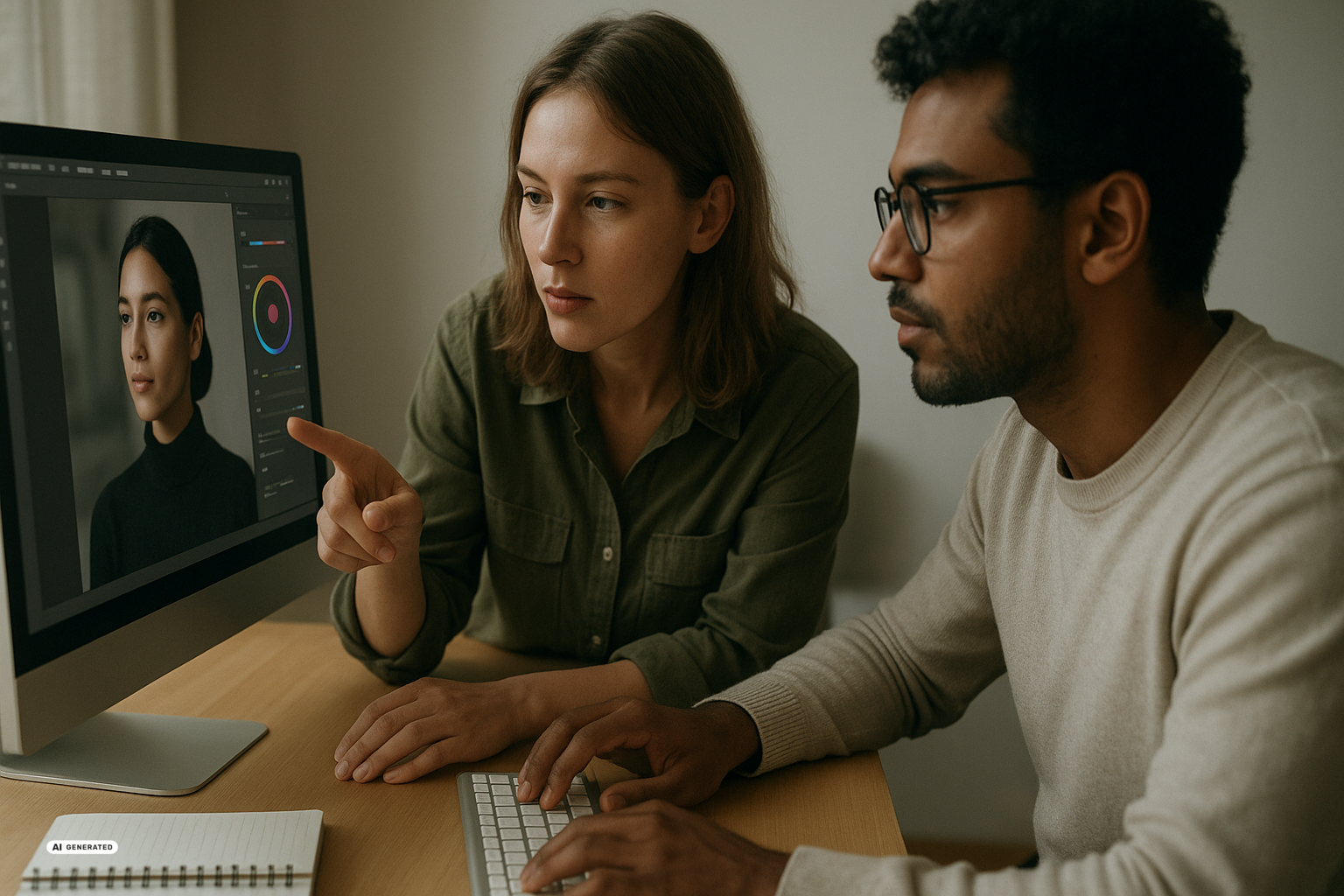
Google Pics brings generative Artificial Intelligence (AI), meaning systems that create content from learned patterns, directly into Google Workspace. The tool is aimed at people who work in Docs and Slides and want to make or edit images without moving to separate design software. Google is rolling it out over several weeks to Google AI Pro and Ultra subscribers and most Workspace business customers.
Google Pics enters the everyday Workspace workflow
Google Pics is a standalone Workspace app for creating and editing images. It is built around Gemini and Google’s Nano Banana image model, the AI system that generates new pictures or changes existing ones from instructions. According to Google’s announcement of Pics, you can access it through pics.new and initially inside Docs and Slides, with a Drive integration planned for later.
The focus is on routine creative tasks rather than a complete professional design environment. You might use it to produce an event flyer, an illustration for a presentation, or a social media post. Instead of drawing each element from scratch, you describe the desired result through a text instruction known as a prompt.
Pics can also modify an existing image. You can select and transform individual objects, edit or translate words within a graphic, and crop an image for the web, print, or social platforms. As The Verge reports, Pics also supports higher image resolutions marketed as 2K and 4K, along with shared editing by friends and teammates.
This places image work closer to the document where the result will be used. A communications team could adjust a graphic directly inside a customer presentation rather than exporting it from another application and inserting it again. A team could also translate the wording in an existing visual without rebuilding the entire composition.
Why prompts are not enough
Google presents Pics as a more precise answer to the inconsistent results associated with earlier image generators. Rather than recreating a whole image whenever one detail goes wrong, you should be able to select a particular object or text element and request a focused change. The option to produce several versions of one request then gives you a choice of starting points.
That does not remove the underlying creative task. A prompt can execute a visual idea, but it cannot reliably decide which message fits an audience, channel, or brand. A t3n guide to AI images for social media similarly warns that rapidly generated visuals can look polished while lacking any clear relevance.
Low-quality digital material produced by AI at scale is often described as “slop.” Convincing photorealism does not automatically prevent that outcome: an image can be technically clean while remaining generic, factually unsuitable, or disconnected from the accompanying text. Strong results therefore need a communication goal before the first prompt and an editorial review after generation.
Comparisons with Canva and Adobe Express also have limits. TechCrunch describes Google Pics as a prompt-led counterpart to those services but identifies a significant difference: Canva includes a marketplace where creators can publish templates, photographs, and graphics and earn royalties. Pics instead centers on AI generation, and the report says its underlying AI was trained on artists’ work, raising unresolved questions about the origins and fair use of training material.
Pros and Cons of Google Pics
Pros:
- Shorter workflows – You can make and edit images in the same environment where you already prepare documents and presentations.
- Targeted revisions – Individual objects or text elements can be adjusted without generating the entire scene again.
- Collaborative editing – Teams can share visuals and develop them together in a manner familiar from other Workspace files.
- Multiple formats – Cropping, translation, and higher resolutions can help adapt one visual for several channels.
Cons:
- Inconsistent quality – More precise controls still do not guarantee relevant, coherent, or error-free images.
- Prompt dependence – Vague instructions tend to produce generic results and may require several rounds of revision.
- Limited availability – Pics is tied to eligible Workspace accounts and particular paid Google subscriptions.
- Unanswered sourcing questions – The supplied reports do not explain in detail which artists’ work was used for the image model.
The available reports do not provide a specific price for the product. They identify Google AI Pro, Google AI Ultra, and most Workspace business accounts as eligible, but they do not list a separate price for Pics. Your immediate cost question is therefore whether your existing account receives access or requires another subscription.
What works in practice
For beginners: Start with a small, clearly bounded task rather than trying to write the longest possible prompt. An illustration for an internal presentation or a simple social media visual would provide a sensible first test. You can then examine the image, wording, and message before using Pics for a public campaign.
Step 1: Define the assignment
- Write down who the image is for and where it will appear.
- State its central message instead of listing style terms alone.
- Set the format, required wording, and essential visual elements.
Step 2: Generate alternatives
- Create several versions of the same concept rather than accepting the first result.
- Compare composition, clarity, and alignment with your intended message.
- Select one version as the basis for focused revisions.
Step 3: Edit details and review the result
- Select problematic objects or text and describe only the change you need.
- Check visible wording, factual details, and the effect of cropping the image.
- Before publication, confirm that the result suits the document, brand, and intended audience.
For advanced users: You can get more from Pics by developing reusable directions for visual style, viewpoint, colors, and formats. For example, you could turn one base concept into variants for a presentation, web article, and social post, then adjust the wording for each use. Collaboration inside Workspace may simplify approval, but it does not replace clear creative ownership or final quality control.
What remains open for Switzerland and beyond
The sources do not provide a separate release date for Switzerland, a list of supported languages, or specific privacy terms for Pics. The option to translate text inside an image could be useful to multilingual Swiss teams, but it does not establish which languages and regional variants will work reliably. Organizations will therefore need to use their Workspace account information and internal data policies to determine whether and how the tool fits their work.
Pics belongs to a broader shift that is placing Gemini inside everyday Google products. Google’s August 2026 AI update roundup also mentions Gemini 3.7 Flash, Gemini 3.5 Transcribe, new Pixel devices, and free AI plans for students. Taken together, the announcements show Google positioning AI not only as a separate chatbot but as part of work, education, and device features.
During the same period, Google DeepMind introduced agentic video analysis, in which the system dynamically selects and examines relevant video segments. Google claims reductions of up to 88 percent in token use and up to 66 percent in cost, with quality gains of up to 7 percent; these provider figures have not been independently verified. The capability is not part of Google Pics and is more relevant to specialized uses, but it illustrates how Gemini is expanding from images into video processing.
Google Pics should make basic image work more convenient for people who already spend their day in Docs and Slides. Its main value may be less about the first generated picture and more about correcting specific elements and developing alternatives with a team. Consistent quality, the sourcing of training material, and concrete information about prices, languages, and Swiss privacy conditions remain unresolved.
Sources
- Try Google Pics: Easy image creation and editing in Google Workspace – Google Blog, 2026-09-01
- Google’s answer to Canva is an AI tool where you prompt instead of design – TechCrunch, 2026-09-01
- Google Pics is like Canva, but with even more AI – The Verge, 2026-09-01
- The latest AI news we announced in August 2026 – Google Blog, 2026-09-01
- Introducing agentic video understanding with Gemini – Google DeepMind, 2026-09-01
- KI-Bilder für Social Media: Top oder Slop? – t3n, 2026-08-31

