



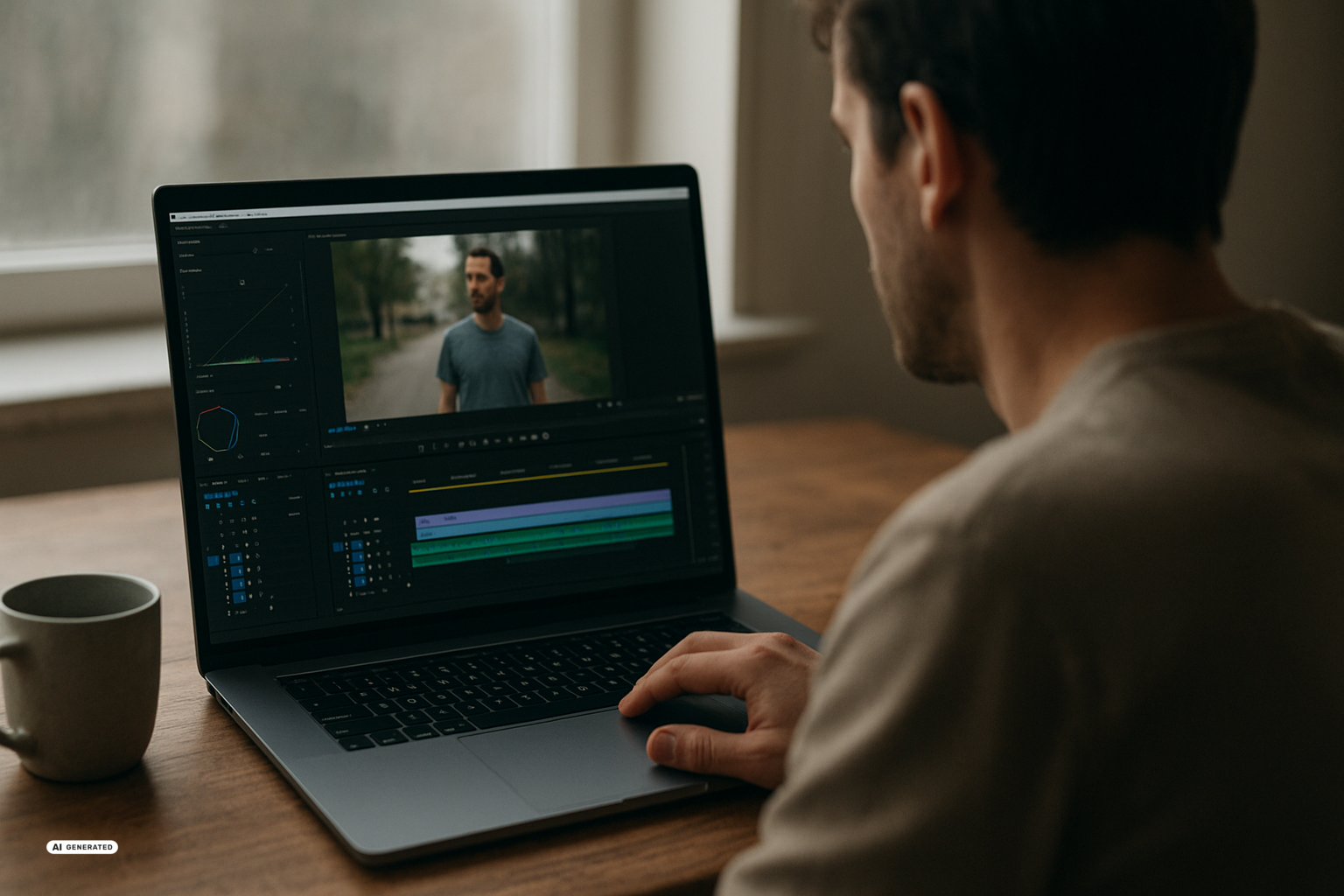
Gemini Omni 1.1 Flash expands video production with Artificial Intelligence (AI) through longer scenes, controllable transitions, and higher-resolution output. This matters not only to professional video teams but also to people making product clips, presentations, or social media posts. At the same time, developments in Chinese media and online retail show that cheaper AI video is already changing workflows and business models.
What Gemini Omni 1.1 Flash improves
Google has updated several parts of its video generation and editing model. According to the summary of Gemini Omni 1.1 Flash, scene extension can now read up to ten seconds of an existing video as context. Previously, the model relied mainly on the final image, or roughly one second of the original footage.
An existing clip can reportedly be extended in ten-second increments to a total of 40 seconds. The additional context is meant to reduce abrupt changes in characters, movement, or camera perspective when new footage is generated. The supplied sources do not independently verify how reliably that consistency holds across different subjects.
The model also lets you specify the first and last image of a sequence. An individual image in a video is known as a frame. When you pin both frames, the model can generate the path between them, such as a zoom or a transition into another scene. This offers more control than a text instruction alone without requiring you to design every intermediate movement manually.
Reference videos of up to three seconds can provide a location, character, or movement. That can help with a series of marketing clips in which the same digital character needs to remain recognizable. Google also lists 4K upscaling, which means computationally raising the image resolution. A higher resolution does not automatically repair implausible motion or inconsistent visual details.
According to the report on the new video options, access is available through services including Google AI Studio. Ultra, Plus, and Pro users worldwide are also said to have access to Gemini Omni 1.1 in Google Flow, while scene extension is listed for the Gemini app. The worldwide rollout should therefore include Switzerland, but the sources provide no details about supported languages, Swiss pricing, or how uploaded videos are processed.
Why lower prices matter
The technical upgrade would matter less if every attempt remained expensive. The report on Gemini Omni 1.1 Flash therefore highlights lightweight previews, meaning low-cost draft versions used to evaluate an idea. Its headline describes previews costing three cents, although the supplied article text does not fully explain the duration or billing unit covered by that figure.
Even with that limitation, inexpensive previews can change the production process. Instead of immediately rendering a clip at high quality, you can test several versions of its composition, movement, or transition. Only the useful version then needs to be upscaled. For someone preparing a short product clip, that can mean spending less on discarded drafts; for a marketing team, it can allow more variations within the same budget.
The economic effects are particularly visible in China. According to a report on AI video in Chinese productions, about 128,000 short dramas were released in the first quarter of 2026, three times the number published during the entire previous year. The China Netcasting Services Association said 95 percent were AI-generated.
Professor Shen Yang of Tsinghua University put the cost of one minute of AI video at $90 to $120, or ten percent of earlier production costs. Those figures describe the Chinese market discussed in the report and cannot automatically be applied to Switzerland. They nevertheless help explain why companies are moving beyond experiments and reassessing performers, production stages, and budgets.
Pros and Cons of cheaper AI video
Pros:
- Less expensive drafts – Low-priced previews let you test several ideas before producing a high-quality version.
- Longer coherent scenes – Up to ten seconds of context may help maintain more consistent transitions and movement.
- More creative control – Defined first and last frames can guide zooms, camera moves, and scene changes.
- Practical business uses – Product presentation, advertising, and virtual try-on can move closer to existing sales processes.
Cons:
- Uncertain quality – Higher resolution does not remove anatomical mistakes, implausible movement, or shifting details.
- Pressure on creative jobs – Lower costs can displace human performers and other workers from productions.
- Unresolved rights – Reference videos, faces, voices, and training material can involve copyright and personal rights.
- Incomplete pricing details – The cited preview price is difficult to compare without a precise billing unit.
What AI video means for commerce and creative work
In online retail, the use case extends beyond promotional clips. Virtual Try-On (VTO) digitally shows clothing or cosmetics on a person. According to a sponsored article about modern VTO systems, current tools can generate digital representations from standard product images, while older approaches required labor-intensive three-dimensional models.
The underlying problem is familiar: shoppers can struggle to judge fit online and may order several sizes. For the US market, the article cites a return rate of about 19 percent for fashion items bought online in 2025. Providers expect VTO to support more purchases, fewer returns, and additional data for recommendations and assortment planning, but the supplied text does not offer measured improvement figures.
ASOS, Breuninger, and Maybelline are named as companies integrating virtual try-on into their customer journeys. For you, that might mean viewing makeup or clothing digitally before placing an order. The result remains a visual simulation rather than a guarantee of how the material, color, or fit will appear in reality.
Workers face the other side of the calculation. The report from China says digital performers are already replacing actors, influencers, and livestream hosts in some productions. The industry directly employs 690,000 people, while 15 million reportedly list livestreaming as their main occupation. Of particular concern is the report that some performers were forced to transfer their voice and appearance into AI tools before being dismissed, while AI-related labor disputes have increased noticeably.
Cheaper technology therefore does not distribute its gains evenly by default. A small team may produce more without a large studio, while contractors can lose some of their previous work. The sources offer no employment figures for Switzerland, but the same cost logic can affect advertising, training videos, online retail, and media production there.
What you can use in practice
If you are a beginner, a short and clearly defined clip is the most useful starting point. Take an existing video, test one extension, and pay particular attention to hands, faces, movement direction, and the transition into the generated section. A low-cost preview is enough for this review; 4K output only becomes useful after the content and motion are convincing.
Step 1: Choose your source material
- Select a short clip with a clearly recognizable subject and camera movement.
- Decide whether you want to extend the scene or transition between two specified frames.
- Use only material for which you have the necessary rights.
Step 2: Review the preview
- Generate a low-cost preview before creating a high-resolution final version.
- Compare the characters, clothing, background, and movement with the original clip.
- Discard versions with visible breaks before selecting a higher output resolution.
More advanced users can deliberately combine first and last frames and add a short reference video to reuse a character or movement across several clips. For a product series, this could help test multiple versions with the same visual identity. You should keep a record of the source material and consent associated with each clip, even though the sources do not describe a specific Swiss data protection process.
The foundations of these systems extend beyond individual products. LAION has released the Big Video Dataset (BVD), an openly accessible research dataset containing 80 million downloaded videos with a combined duration of ten million hours. It produced 55 million described clips and 300 million still images; according to the report, models trained on BVD scored up to 2.1 percentage points above comparable models trained on the InternVid reference dataset in common video-text tests.
LAION’s Big Video Dataset is available only for research, not commercial use. LAION points to a 2024 ruling by the Hamburg Regional Court and asks users to respect creators’ copyright. This does not mean Google used the material for Gemini; instead, the dataset illustrates the scale of modern video research and why rights questions remain unresolved.
AI video is becoming longer, easier to direct, and cheaper at least at the preview stage. That lowers the barrier to making your own clips and creates practical uses in marketing and online retail, while increasing cost pressure on creative professions. The unresolved risk lies less in output resolution than in the treatment of faces, voices, training material, and the distribution of the resulting economic value.
Sources
- Google AI Releases Gemini Omni 1.1 Flash: 40-Second Scene Extension, First/Last Frame Control, and 4K Upscaling – Medium unknown, 2026-08-29
- Previews für 3 Cent: Wie Google das Erstellen von KI-Videos drastisch günstiger macht – Medium unknown, 2026-08-28
- KI-generierte Videos ersetzen in China bereits menschliche Schauspieler und Influencer – Medium unknown, 2026-08-29
- Big Video Dataset: LAION stellt zehn Millionen Stunden Videomaterial für offene KI-Forschung bereit – Medium unknown, 2026-08-29
- KI-Anproben statt 3D-Modelle: Was moderne Virtual-Try-On-Systeme heute können – Medium unknown, 2026-08-30

