



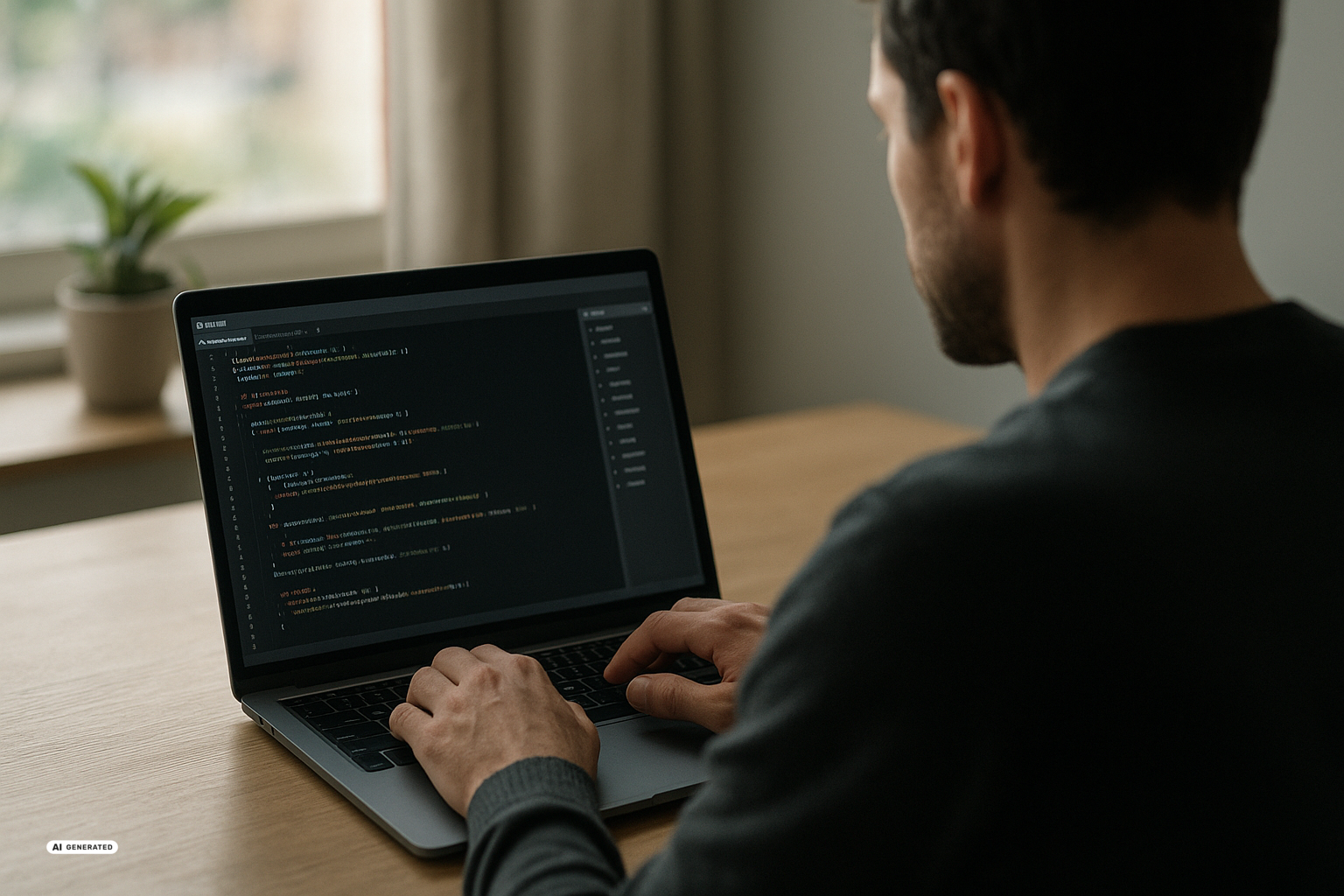
Anthropic will make auto mode the default for Pro, Max, and Team accounts in its Claude Code programming assistant on August 14, 2026. The Artificial Intelligence (AI) tool will be able to work for longer with less supervision, while parallel sessions can exchange information. This affects experienced developers as well as people using vibe coding to build their own tools with limited programming knowledge.
What auto mode takes over
In auto mode, Claude Code carries out steps without requesting your permission for every individual action. An automated safety check is meant to pause and ask only when an action is classified as irreversible, destructive, or directed outside your environment. According to the report on the auto-mode change, the new default applies to Pro, Max, and Team accounts, while Enterprise customers have to opt in.
Anthropic introduced a test version in March. From August 14, the mode is expected to be preselected for new sessions, meaning individual Claude Code work sessions. Some report headlines say that auto mode is already the default, although their accompanying text gives the same August 14 start date.
The main argument is not only speed, but the weakness of repeated confirmation dialogs. In a test involving 1,053 paying users, people rejected just 13.6% of a substituted harmful action. Auto mode would have blocked 89% of those actions. This fits Anthropic’s finding that users approve 97% of ordinary permission prompts: after enough clicks on “Allow,” reviewing can become mostly an exercise in locating the button.
These figures come from the provider and reflect a specific test scenario. As Simon Willison notes in his assessment, they also leave 11% of harmful actions that auto mode would not have stopped in this test. Automated review may outperform habitual approval, but it does not provide a guarantee.
Why parallel sessions matter
Alongside auto mode, Claude Code can coordinate multiple sessions starting with version 2.1.224. On macOS and Linux, sessions can send each other text summaries, ask questions, and receive responses. A session can also report on its own initiative when a change affects the work of another session.
This becomes useful when you split a project into separate tasks. One session could add an input form while a second works on the filtering function of an internal status board. Instead of manually copying results between terminal windows, the sessions can exchange findings and progress updates.
The report on communication between sessions also identifies parallel worktrees as a use case. A worktree is a separate working copy of the same software project, allowing changes to be developed independently. The feature can also provide status checks for long-running tasks.
Communication on the same computer remains local, according to the report. Between different computers, it goes through Anthropic’s servers, and only responses are supported in that setup. Administrators can restrict the feature, which is not available on Amazon Bedrock, Google Cloud Agent Platform, or Microsoft Foundry.
For users in Switzerland, this distinction in data routing is the most relevant point supported by the sources. When sessions communicate across computers, information is transmitted through Anthropic’s servers. The reports do not specify special Swiss availability, the location of those servers, or particular language support, so they do not support broader conclusions about data protection.
What vibe coding makes possible
Vibe coding is a way of working in which you describe an application in natural language instead of writing its program code yourself. An AI agent, meaning a system that can carry out multiple steps independently, turns the description into a working tool and revises it based on further instructions. Greater autonomy shortens the path from an initial description to a clickable version.
An internal status board is one concrete example. Instead of collecting weekly reports by email or maintaining a supposedly temporary spreadsheet, a team can build a tool where employees enter their status directly. Missing filters or forms can then be added through written instructions, as described in the practical report about building a team tool.
A second example involves small marketing teams and freelancers. They can create a campaign tracker or a basic customer tool when an existing Software as a Service (SaaS) product, meaning rented cloud software, does not fit their requirements or is not worth a subscription. Vague descriptions, however, still produce vague results.
“World of Claudecraft,” a playable clone of an online role-playing game, shows how far this approach can be pushed. According to the report on the vibe-coding project, it was built in about two days. Its creator used roughly 91% of the monthly allowance of a Max-20x subscription costing $200; the AI first created the game logic and then independently searched online for freely available visual assets.
The example demonstrates speed, but it is not a reliable cost benchmark for other projects. Nor does it replace the ongoing work that a large development team puts into a complex original game. For business-critical systems, database connections, and demanding integrations, the sources still recommend professional development expertise.
Pros and Cons of a More Autonomous Claude Code
Pros:
- Fewer interruptions – Claude Code can complete connected tasks without waiting for confirmation after every step.
- Higher output – Teams using auto mode created about 25% more pull requests, meaning proposals to merge code changes, according to Anthropic.
- Better coordination – Parallel sessions can exchange findings, answers, and warnings about changes that affect each other.
- Lower entry barrier – You can build and revise status boards, forms, and campaign trackers using natural-language instructions.
Cons:
- Residual error risk – Auto mode would not have blocked 11% of the harmful actions in the reported test.
- Attacks hidden in content – In a prompt injection, a third party embeds malicious instructions in information the agent reads.
- Potentially higher usage – Anthropic does not charge for tokens used by the safety classifier, but longer autonomous work can increase overall token consumption.
- Unclear data routing details – Cross-computer communication uses Anthropic’s servers, while the available sources do not specify location or retention details.
Anthropic also points to customizable hard-deny rules and prompt-injection screening. An Anthropic-commissioned evaluation tested 72 indirect attack scenarios ten times each; according to the report on the safety evaluation, none of the 720 attacks succeeded against the current Claude models tested in auto mode. This does not contradict the remaining 11% risk: the figures come from different evaluations, one involving substituted harmful actions and the other selected prompt-injection scenarios.
What this means for you
For beginners: A sensible first project is a small internal tool using non-sensitive test data. A status board or campaign tracker is more manageable than an application handling customer data, payments, or access to production systems. Begin by specifying who will use the tool, what information they will enter, and what result they should see.
Step 1: Choose a limited task
- Describe one core function, such as recording a weekly status update.
- Use test data rather than confidential or personal information.
- Define which files and services Claude Code must not change.
Step 2: Review each result
- Test forms, filters, and saved entries with several examples.
- Read warnings and security-related questions instead of approving them by habit.
- After every major change, check that previously working parts still function.
For advanced users: You can gain more by distributing independent tasks across separate sessions and worktrees. One session can work on the interface while another handles the underlying logic, but their responsibilities should remain clearly separated. Custom hard-deny rules are especially relevant for production data, external transfers, and destructive commands.
Step 3: Expand autonomy selectively
- Initially assign only clearly bounded tasks to auto mode.
- Have parallel sessions summarize their changes and dependencies.
- Review the combined result before it enters a production environment.
Claude Code shifts work away from approving individual steps and toward defining goals, boundaries, and review points. It can substantially accelerate small team tools and prototypes, while parallel sessions make larger tasks easier to divide. The open risks are how reliably its safeguards perform beyond the published tests and what additional data and token usage will mean in longer projects.
Sources
- Anthropic is turning Claude Code’s auto mode on by default – TechCrunch, 2026-08-09
- Vibe-Coding mit Claude Code: So baust du dein eigenes Team-Tool – t3n, 2026-08-09
- Auto mode is now the default in Claude Code for Pro, Max, and Team plans – Simon Willison’s Weblog, 2026-08-08
- In nur zwei Tagen und für 200 Dollar: Vibe-Coder baut spielbaren WoW-Klon mit Claude – t3n, 2026-08-08
- Anthropic schaltet Claude Code standardmässig auf Auto-Mode – zum Schutz der Entwickler – The Decoder, 2026-08-08
- Claude-Code-Sessions können ab sofort miteinander kommunizieren und Informationen austauschen – The Decoder, 2026-08-08

