



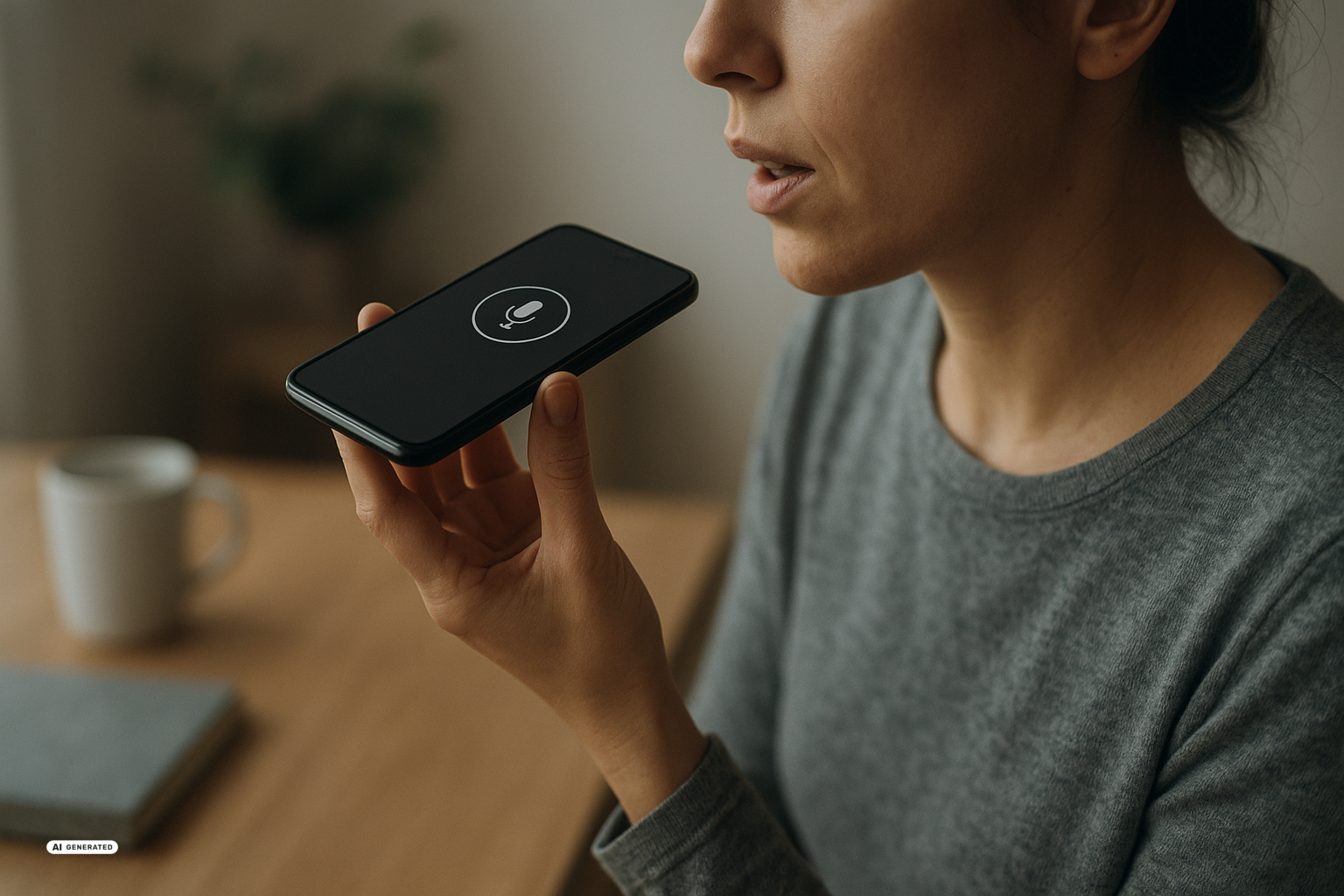
Google is bringing Artificial Intelligence (AI) deeper into Gmail, Docs, Keep, Google Photos, Search, and Maps. This affects you if you use Google services for work, personal organization, or travel planning and want to spend less time typing or searching. The new features are rolling out gradually from September 2026, but not in every country, language, or subscription tier.
Why Google is connecting its services
The common element is not a single chatbot, but access to information already stored across your Google services. The new voice tools for Gmail, Docs, and Keep are designed to do more than turn speech into text. Google’s Gemini audio models, AI systems that process spoken language, are supposed to understand the context of a request and respond accordingly.
This changes the experience from issuing isolated commands to having an ongoing conversation. You can interrupt an answer, ask a follow-up question, or refine the topic without starting over. That can be particularly useful on a phone when you are moving around, your hands are occupied, or the information you need is scattered across several emails and documents.
The same direction is visible beyond Workspace. Gemini Spark, a personal AI agent that carries out tasks inside connected services, is gaining the ability to manage a Google Photos library. At the same time, WeatherNext 3 is intended to improve weather information in Search, Maps, and Gemini. Google is trying to make AI less of a separate product and more of an operating layer for services people already use.
The strategy sounds broader than the initial availability really is. The voice modes are launching globally on mobile devices in English, while photo management is initially limited to eligible subscribers in the United States. The sources do not provide a country-by-country rollout schedule for the weather features.
What the voice features can do
Gmail Live searches your inbox in response to spoken questions. One specific example is asking when your child’s next school event will take place: the AI is supposed to find the relevant detail regardless of which incoming message contains it, summarize it aloud, and link to the source emails in the on-screen transcript. You could similarly ask for the departure time of an upcoming flight instead of manually searching through booking confirmations.
Docs Live focuses on longer material. According to the report on Gmail Live, Docs Live, and Keep Live, it can summarize a long document or turn spoken ideas into a structured business proposal. With your permission, Docs Live can also draw on information from Gmail, Drive, Chat, and the web to tailor the result.
Keep Live is aimed at short notes and lists. Instead of carefully phrasing a command, you can ask it to add the ingredients for pesto to your shopping list. The AI is intended to understand the context and organize the note appropriately rather than simply transcribing every spoken word unchanged.
At launch, Gmail Live is available on iOS and Android to Google AI Plus, Pro, and Ultra subscribers. Docs Live is coming to iOS and Android for Pro and Ultra, while Keep Live is also restricted to Pro and Ultra but only runs on Android. Google says all three are coming to Workspace business customers, although the supplied sources do not give a specific release date.
The sources do not list subscription prices. What they do establish is that the tools are tied to paid plan levels and are not presented as universally available free features. Existing subscribers may gain extra value, but anyone considering an upgrade solely for voice access does not yet have enough pricing information in these reports for a useful cost comparison.
What photos and weather add
Gemini Spark expands the idea from finding information to carrying out tasks. According to Google, the agent can edit images, curate albums, automatically build a shared album from favorite shots, and turn a photo of a concert flyer into a calendar event. It can also run workflows involving multiple steps, though the reports do not explain in detail what confirmation controls appear before each change.
The Gemini Spark integration with Google Photos is rolling out over several weeks to eligible AI Pro and Ultra subscribers in the United States, initially in English. Google has not said whether or when it will expand to other markets. The feature is therefore not confirmed as available to users in Switzerland.
Step 1: Connect Google Photos
- Connect Google Photos to Gemini if your account is eligible to use Gemini Spark.
Step 2: Turn on Spark
- Enable Spark with the control in the top corner of the Gemini app.
Step 3: Describe the task
- Enter a specific request, such as creating an album from selected favorite photos or turning a photographed concert flyer into an event.
- Review the result before sharing an album or relying on an automatically created calendar entry.
WeatherNext 3 serves a different purpose: instead of organizing personal material, it produces weather forecasts. It uses current observations from geostationary satellites, which continuously monitor the same region of Earth, and is designed to generate a new global forecast every hour. A summary of WeatherNext 3 describes five-kilometer output and forecasts feeding into Search, Gemini, and Maps.
The previous WeatherNext 2 model updated its forecasts every six hours and used a 25-kilometer grid. WeatherNext 3 can represent certain variables, including temperature and moisture, at a resolution of up to five kilometers. Google says this is especially helpful for rain and snow caused by fast-moving weather systems, while satellite observations can fill gaps in places with relatively few ground-based gauges.
TechCrunch reports that rain evaluations improved by 60 percent compared with WeatherNext 2. On Operational WeatherBench, a utility for comparing AI forecasts, the model reportedly outperformed leading AI systems and traditional forecasts on measures such as temperature, wind speed, and humidity. That is a concrete benchmark result, but it does not guarantee accuracy for your exact location at a particular hour.
The Verge uses more cautious wording, reporting that Google says its model is getting better. Its coverage of the satellite-based forecasting model supports the claims about higher resolution and hourly updates while clearly attributing them to the company. The advertised accuracy has therefore not been independently confirmed across every everyday situation.
Pros and Cons of Google AI
Pros:
- Less manual searching – Gmail Live can combine information from long or scattered email threads and point to the underlying messages.
- Hands-free access – Conversational control of Gmail, Docs, and Keep can help when you are traveling or cannot use your hands.
- Practical automation – Gemini Spark handles defined photo tasks such as editing images, building albums, and creating calendar entries.
- Fresher weather data – Hourly forecasts and a finer grid may represent short-term rain or snow more effectively.
Cons:
- Limited availability – Your language, device, country, and subscription determine which features you can actually access.
- Access to personal content – Useful results may require permissions for email, files, chats, photos, or the web.
- Errors remain possible – An AI summary, an automatically generated event, or a local weather forecast can still be wrong or incomplete.
- Uneven value – An automatically curated photo album saves time, but it may not justify a paid AI subscription for everyone.
The photo integration illustrates the difference between useful and necessary. TechCrunch takes a critical view of such individual upgrades: they can simplify tedious work, but on their own they may not feel fundamentally new or essential. Intense competition in the AI industry also encourages companies to promote relatively small additions as separate product announcements.
What this means for you
If you are a beginner, start with one clearly bounded task. You might ask Gmail Live to locate a single event in your inbox or use Keep Live to add items to a shopping list, then compare the response with the original message. This lets you see the practical benefit without placing too much trust in a summary immediately.
If you are an advanced user, you can test connected workflows. You could speak rough ideas into Docs Live, enrich them with permitted information from Gmail or Drive, and then edit the resulting document yourself. With Gemini Spark, a precise request that defines the source selection and intended result should be followed by a review before anything is shared or added to your calendar.
For users in Switzerland, language support is the immediate limitation. The global mobile launch is in English, and the supplied sources do not mention a German-language release. Photo management is initially restricted to the United States, while no country-specific availability is given for WeatherNext 3 even though its forecasts are global and intended for Search, Maps, and Gemini.
On privacy, the usefulness of the tools is directly related to the access you grant. Docs Live can use Gmail, Drive, Chat, and the web with your permission, while Gemini Spark must be connected to your photo library. The sources do not describe special privacy arrangements for Switzerland, so they do not support conclusions about where Swiss users’ data would be processed or stored.
Google’s additions could reduce routine searching, writing, and planning work, particularly on mobile devices. The most tangible advance is not conversation by itself, but its connection to existing emails, documents, photos, and weather observations. International availability, real costs for each use case, and reliability around personal content or local weather events remain unresolved.
Sources
- Google Workspace: Die neuen Sprach-KI-Funktionen für Gmail, Docs und Keep – t3n, 2026-09-04
- Google now lets you chat with Gmail, Docs, and Keep – The Verge, 2026-09-03
- Google’s Gemini Spark can now manage your Google Photos library – TechCrunch, 2026-09-04
- Google DeepMind’s WeatherNext 3 Trains on Weather Station Observations to Deliver 5 km Global Forecasts, Refreshed Every Hour – MarkTechPost, 2026-09-04
- Google’s latest AI weather model gives you no excuse to forget your umbrella – TechCrunch, 2026-09-03
- Google says its AI weather model is getting better – The Verge, 2026-09-03

